Music
How to make music louder on iPhone
Quick answer
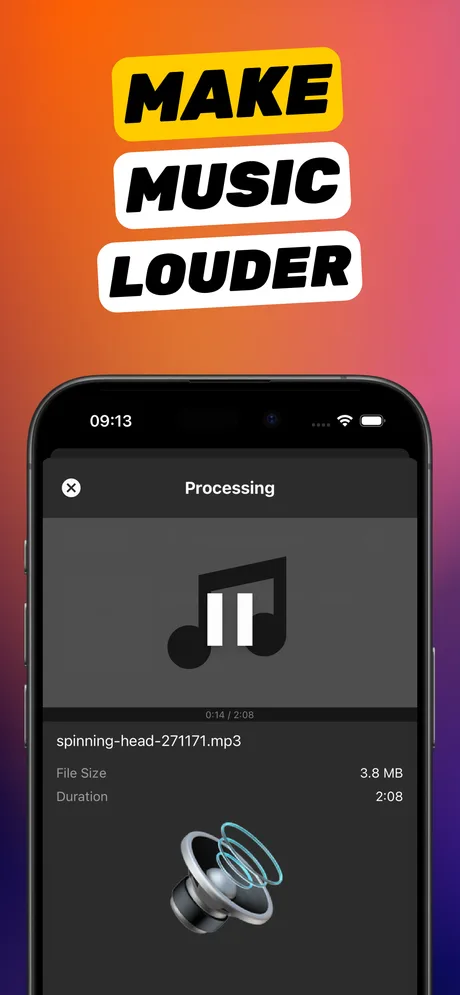
Start with settings: Settings → Music → turn Sound Check off and set EQ to Late Night (which makes quiet passages louder), and Settings → Sounds & Haptics → Headphone Safety → turn off Reduce Loud Audio. Those affect streaming and playback only. For music files you own (MP3, M4A, WAV in Files, band demos, rehearsal recordings), open them in Increase Volume, boost ×1.5–×4, compare Original and Processed, and tap Download Processed to save a louder copy.
“My iPhone music is too quiet” has two very different answers. If Apple Music or Spotify feels quiet on the speaker or headphones, the phone is probably limiting itself with a setting you can change in a minute. If a *particular* track is quiet, an old MP3, a rehearsal recording, a demo a friend sent, the file itself needs more level.
This guide covers both, in that order.
Settings that make all music quieter (fix these first)
- Reduce Loud Audio: Settings → Sounds & Haptics → Headphone Safety. When on, it caps headphone output at the level you set. Turn it off or raise the limit.
- Sound Check: Settings → Music → Sound Check levels all tracks to the same loudness, which pulls loud songs down. Turn it off if everything feels soft.
- EQ: Settings → Music → EQ. Late Night compresses dynamics so quiet parts come up; Loudness lifts bass and treble at low volume. Try both.
- Volume Limit / Screen Time: Settings → Screen Time → Content & Privacy Restrictions → Volume Limit can be locked by a parent or an old setting.
- Bluetooth: some earbuds and speakers keep their own volume level; raise it on the device too.
Which music files you can boost
Increase Volume boosts files you actually have: MP3s and WAVs in Files or iCloud Drive, M4A rehearsal recordings, demos received by Mail or AirDrop, exports from GarageBand, and the audio track of music videos. It shows the artist and track name where the file carries them. Streaming downloads from Apple Music, Spotify or YouTube Music are encrypted and cannot be opened by any third-party app; for those, use the settings above.
How much to boost a song
Commercially released music is already mastered close to full level, so ×1.5–×2 is usually the ceiling before the chorus clips. Home recordings, demos and old rips often have 6–12 dB of room and take ×2–×4. Use the Original/Processed toggle on the loudest chorus to decide.
Step by step: make a music file louder
For a track in Files, GarageBand exports, or recordings.
-
1
Add the track
Open Increase Volume and add the file from Files, or share it to the app from Files, Mail or GarageBand.
-
2
Choose a modest multiplier
Set Volume multiplication to ×1.5–×2 for released music, ×2–×4 for demos and recordings. Try Improve Audio Quality both ways and keep the one that sounds more natural. Tap Boost Volume.
-
3
Check the chorus
Toggle Original/Processed at the loudest section. Any crackle means step down.
-
4
Download Processed
Save to Files and add the louder track to your playlist app, or share it.
Do it in Increase Volume
Free on the App Store. Import, drag the slider to ×10, tap Download Processed.
Tips
- Boost an entire album or set at one multiplier so the tracks stay consistent with each other.
- For music videos, the picture is untouched; only the audio is processed.
- If you master your own music, boost the mix rather than the final master; a limiter in your DAW will do a cleaner job than raw gain.
Questions people also ask
Can a volume booster make Apple Music or Spotify louder?
Not by editing the tracks, which are encrypted. Use Sound Check, EQ (Late Night) and Headphone Safety settings, or the streaming app's own normalisation. Increase Volume boosts files you own.
Why do some songs play quieter than others?
Different mastering levels. Sound Check evens them out but lowers loud tracks; turning it off restores the loud ones. For quiet files you own, boost them with Increase Volume so they match.
Does boosting change the song's format?
Increase Volume writes a new file in a standard audio format alongside your original. The original is not modified.
Increase Volume makes the audio inside a file louder and saves a new copy. It cannot raise the hardware volume limit of the iPhone speaker or change system-wide playback volume.