Guides
Guides: make quiet video and audio louder on iPhone
Every guide starts with a direct answer, covers the free built-in options honestly (Photos, iMovie, Voice Memos), and then shows how to get up to 10× more volume with Increase Volume.
-
 iPhone volume
Increase iPhone volume
Settings that silently cap volume, speaker and Bluetooth checks, and what to do when the phone is already at max.
Read the guide →
iPhone volume
Increase iPhone volume
Settings that silently cap volume, speaker and Bluetooth checks, and what to do when the phone is already at max.
Read the guide →
-
Video
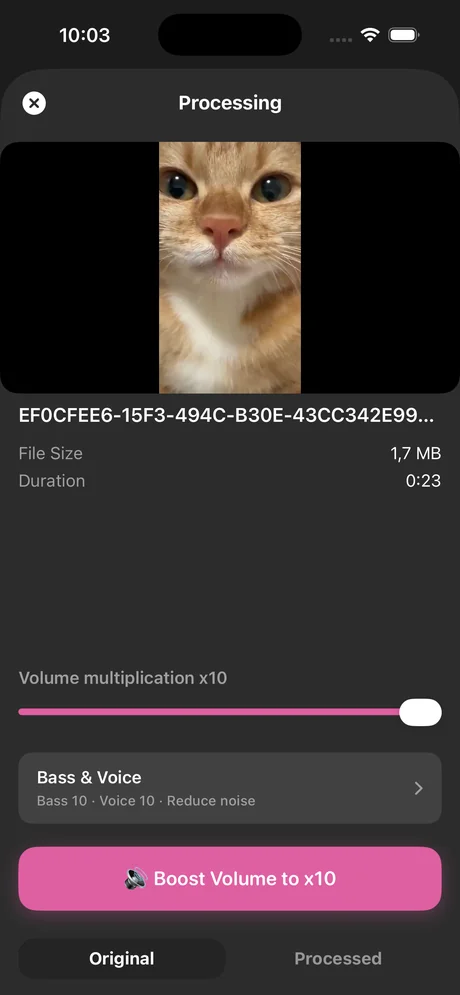
Make a video louder on iPhone
Photos can't boost volume and iMovie stops at about 500%. Here is the one-slider way to 10×.
Read the guide →
-
 Screen recording
Make a screen recording louder
iOS captures app audio at a low level. Fix a finished recording in one minute and record louder next time.
Read the guide →
Screen recording
Make a screen recording louder
iOS captures app audio at a low level. Fix a finished recording in one minute and record louder next time.
Read the guide →
-
 Voice memos
Make a quiet voice memo louder
Enhance Recording only changes playback. Export the memo and boost the file itself, up to 10×.
Read the guide →
Voice memos
Make a quiet voice memo louder
Enhance Recording only changes playback. Export the memo and boost the file itself, up to 10×.
Read the guide →
-
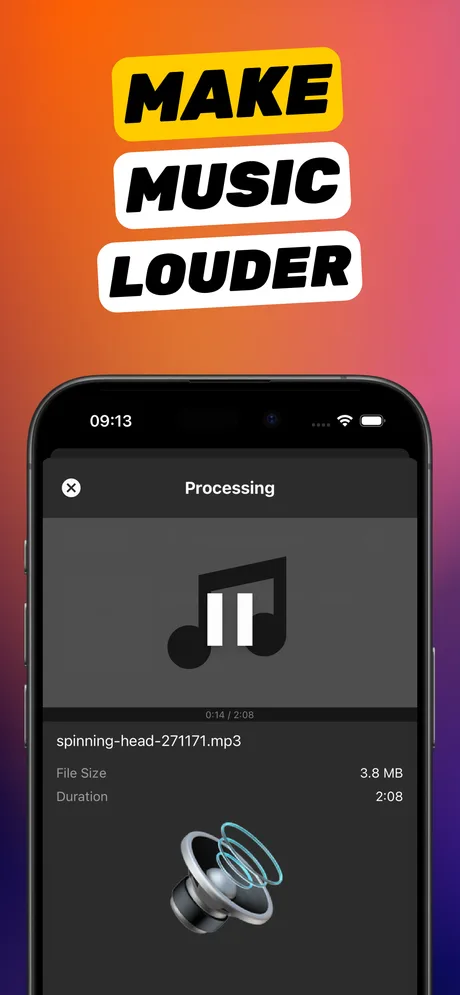 MP3 & audio files
Make an audio file louder on iPhone
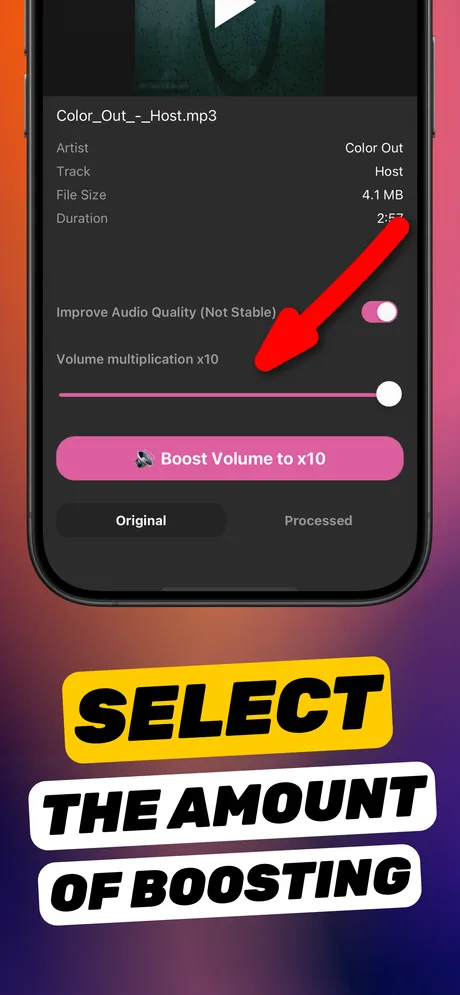
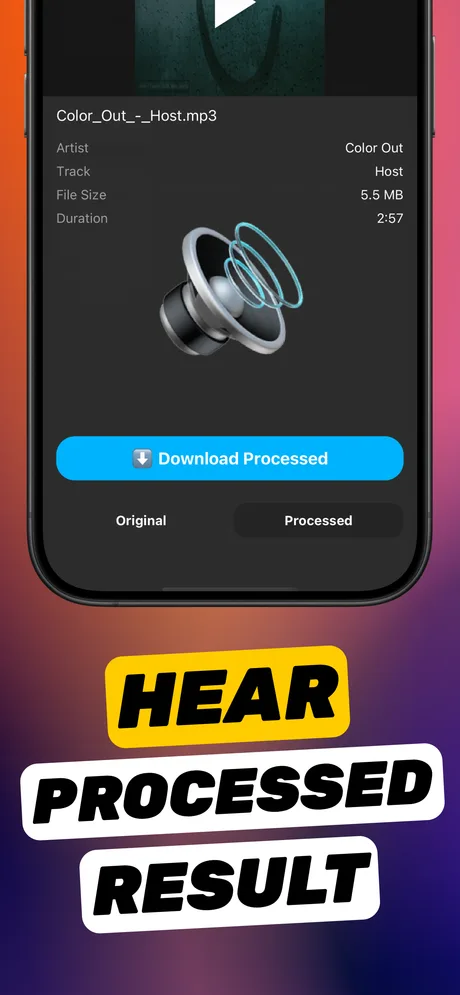
Most volume booster apps are video-only. This one boosts audio files – MP3, M4A and WAV – directly from Files.
Read the guide →
MP3 & audio files
Make an audio file louder on iPhone
Most volume booster apps are video-only. This one boosts audio files – MP3, M4A and WAV – directly from Files.
Read the guide →
-
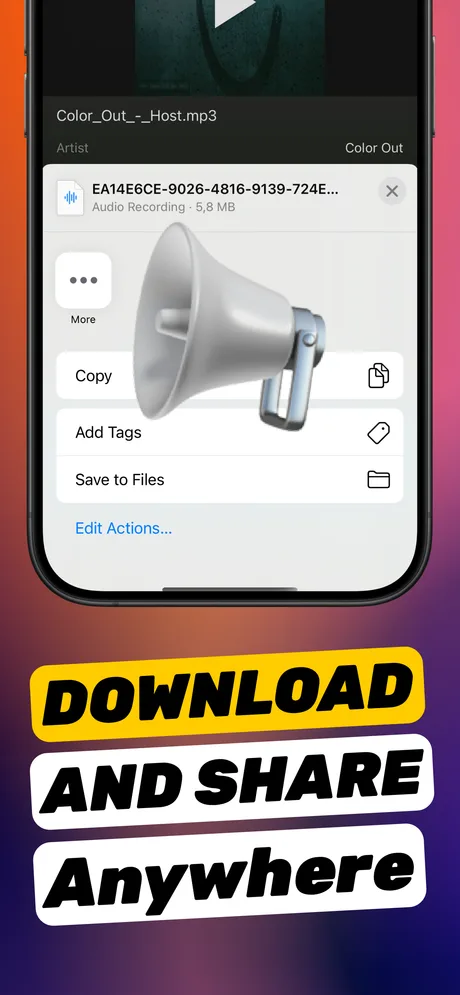 TikTok & Reels
Make a TikTok or Reel louder
Platforms normalise on upload but cannot rescue a quiet track. Boost it 2–5× first.
Read the guide →
TikTok & Reels
Make a TikTok or Reel louder
Platforms normalise on upload but cannot rescue a quiet track. Boost it 2–5× first.
Read the guide →
-
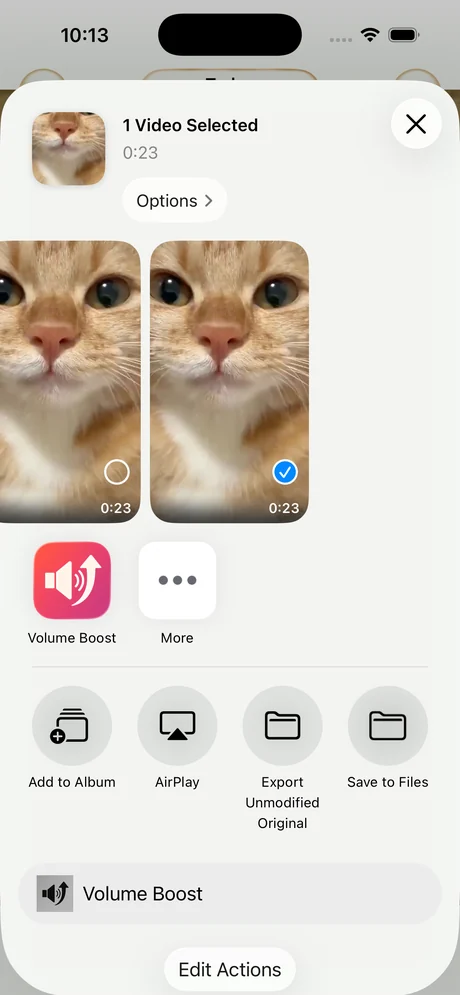 Photos workflow
Boost a video from the Photos share sheet
Photos can only mute. Use Share → Increase Volume to boost a clip and save the loud copy next to the original.
Read the guide →
Photos workflow
Boost a video from the Photos share sheet
Photos can only mute. Use Share → Increase Volume to boost a clip and save the loud copy next to the original.
Read the guide →
-
vs iMovie
Louder than iMovie's 500% cap
How to raise volume in iMovie, why the slider stops at 5×, and the one-slider route to 10×.
Read the guide →
-
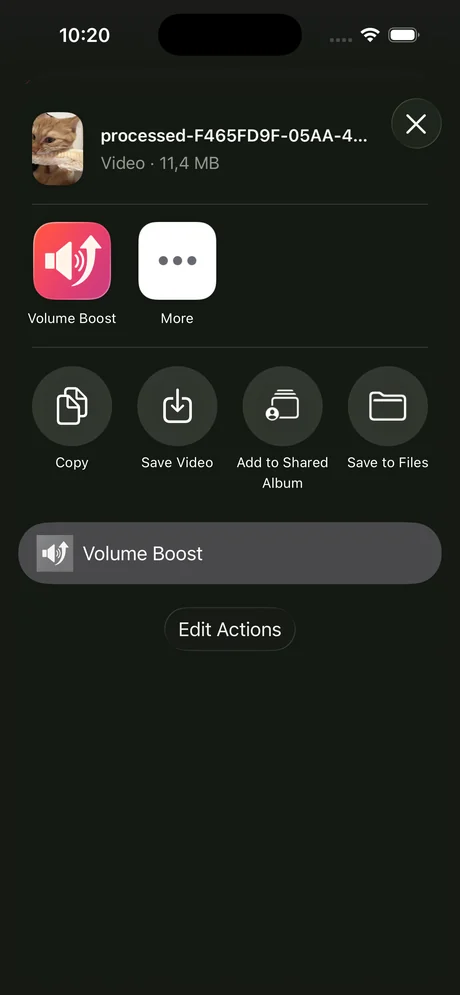 WhatsApp & Telegram
Make a WhatsApp voice note louder
Two different problems: the earpiece switch, or a genuinely quiet recording. Fix both.
Read the guide →
WhatsApp & Telegram
Make a WhatsApp voice note louder
Two different problems: the earpiece switch, or a genuinely quiet recording. Fix both.
Read the guide →
-
 Quality
Boost volume without distortion
What clipping is, how much headroom a quiet recording has, and how to check before you save.
Read the guide →
Quality
Boost volume without distortion
What clipping is, how much headroom a quiet recording has, and how to check before you save.
Read the guide →
-
 Troubleshooting
Why is my iPhone video so quiet?
Seven causes, from a covered mic to the headphone safety limit, and how to rescue the video you already shot.
Read the guide →
Troubleshooting
Why is my iPhone video so quiet?
Seven causes, from a covered mic to the headphone safety limit, and how to rescue the video you already shot.
Read the guide →
-
Music
Make music louder on iPhone
Three iOS settings that quietly cap your music, plus how to boost tracks you own as files.
Read the guide →
-
 Podcasts & audiobooks
Make a podcast or audiobook louder
Player settings for streams; a real file boost for episodes and chapters you have downloaded as MP3 or M4A.
Read the guide →
Podcasts & audiobooks
Make a podcast or audiobook louder
Player settings for streams; a real file boost for episodes and chapters you have downloaded as MP3 or M4A.
Read the guide →
-
Bass boost
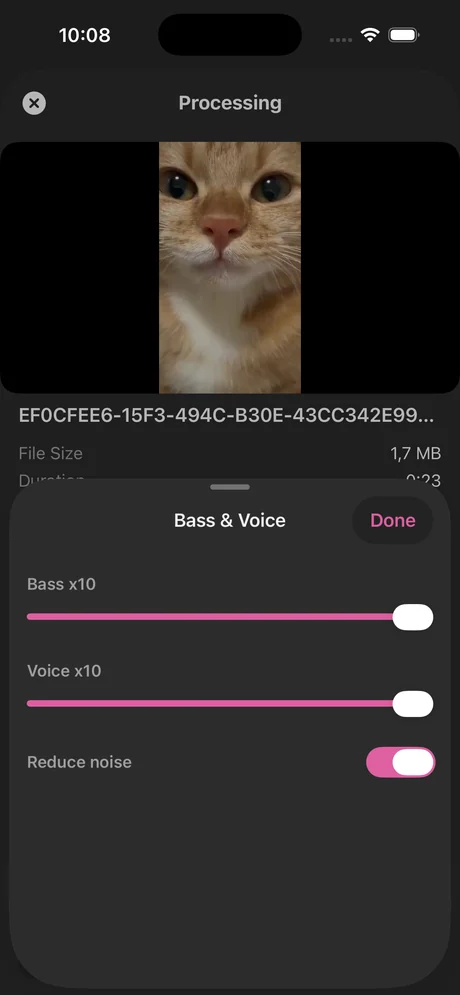
Bass boost a video on iPhone
Photos and iMovie can't add bass. Set Bass, Voice and volume in one place and save a fuller-sounding copy.
Read the guide →
Ready?
Your quiet file, 10× louder, in under a minute.
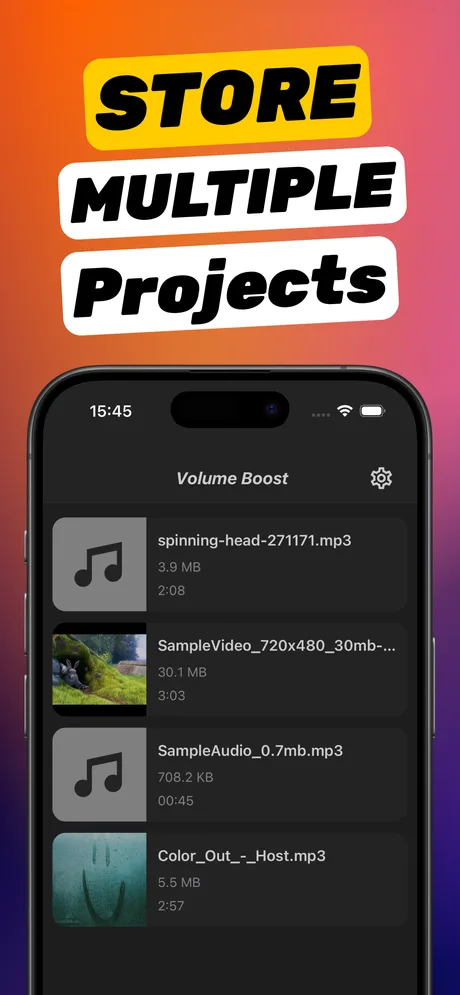
Download Increase Volume, import the video or audio that nobody can hear, drag the slider, and share the loud version.

Free download · Requires iOS 18.6 or later · 4.5★ on the App Store